Product walkthrough
See how a training school runs a weekly class
Follow one guitar workshop from the weekly timetable to a student assessment. The screenshots show the real ProgresslyAI screens using fictional records from Cedar Studio Demo.
1. Set up the weekly workshop
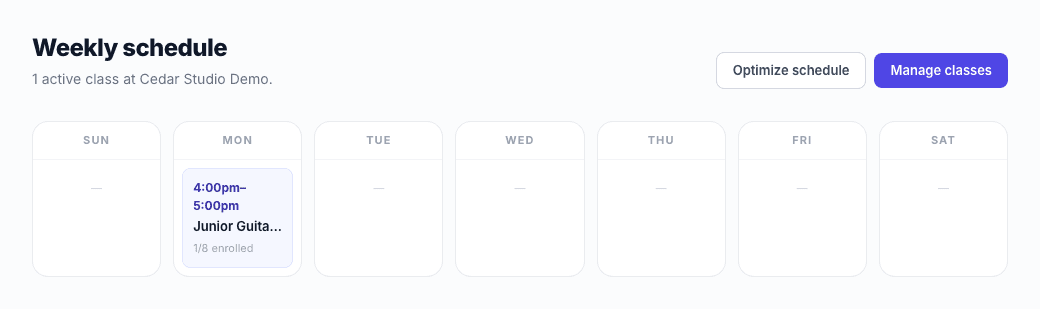
Cedar Studio schedules Junior Guitar Workshop for Mondays from 4 to 5 p.m. and sets eight places. The weekly timetable shows the class and its enrollment count.
2. Let families request a place
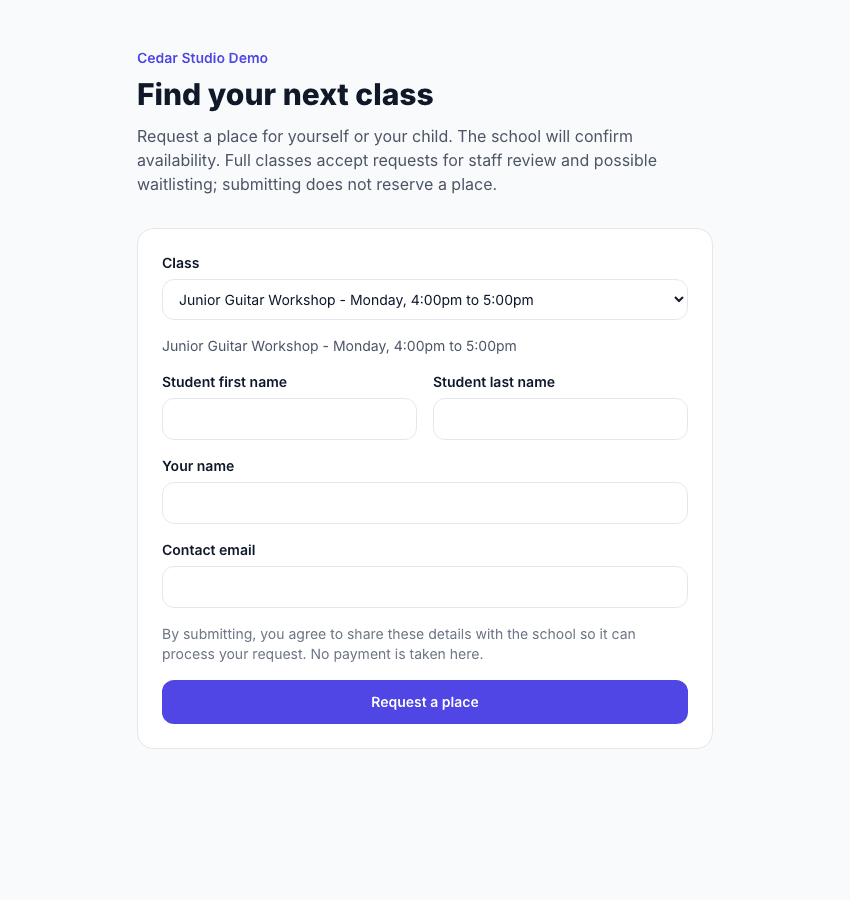
Families select the workshop from the public registration page. A staff member reviews each request and approves enrollment or waitlisting based on capacity. The form itself takes no payment.
3. Save attendance for the session
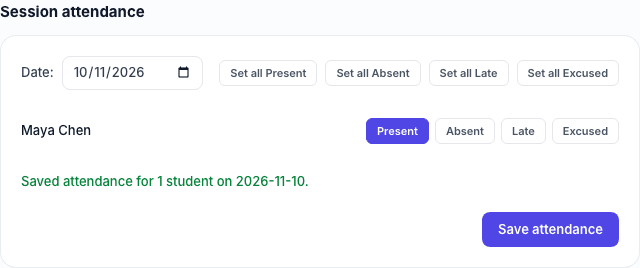
The instructor opens the class roster, marks Maya present, and saves attendance for that session. Staff can see the saved mark when they return to the class.
4. Record a skill the instructor observed
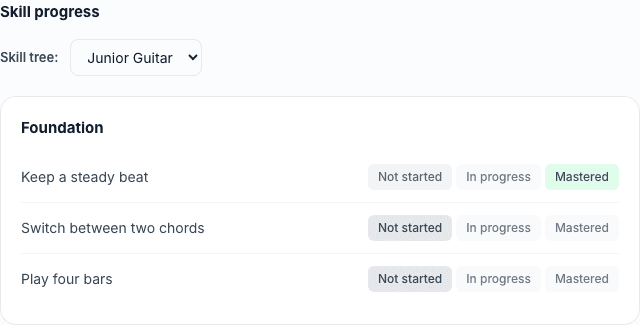
The instructor assigns the Junior Guitar skill tree to Maya and marks keeping a steady beat as mastered. The remaining skills keep their previous statuses until an instructor assesses them.
Try the same workflow on Starter. Use sample records while you learn the setup, then add your school's own classes and curriculum.
Start free